
 Github
Getting started guide
In this guide, we'll see how to create an account and how to create an agent to start requesting the market data API.
1. Go to https://app.absurdia.markets
Log In into your account. If you haven't created an account, click on "Create an Absurdia account".
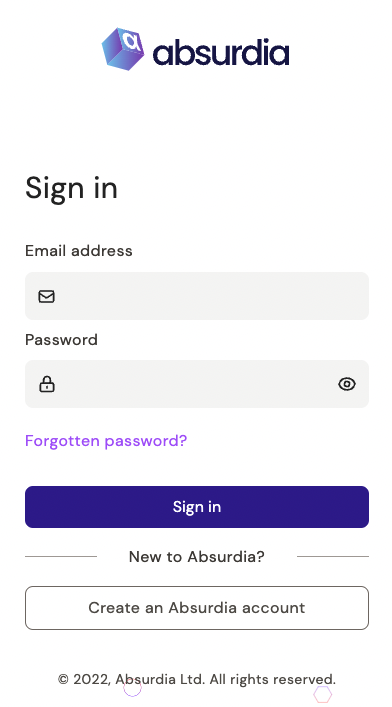
Create an account
In order to create your account, you will need to verify your email address and choose an account name.
Step 1. Put your email address and account name you wish.
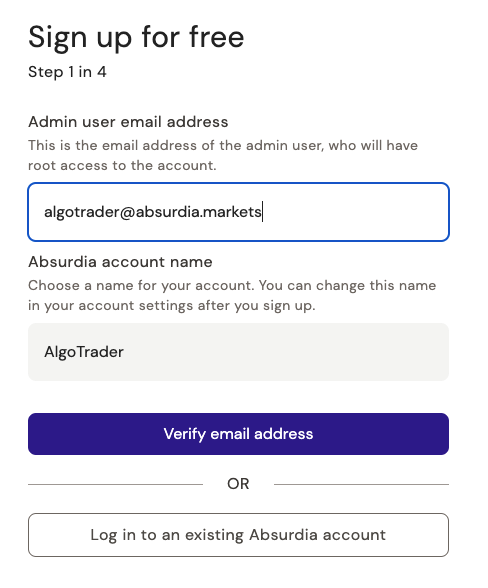
Click "Verify email address". You should receive in your mailbox a verification code made of 6 or 7 numbers. The email can take up to 5 minutes, but if you didn't receive it you can click on "Resend Code" on the sign up page.
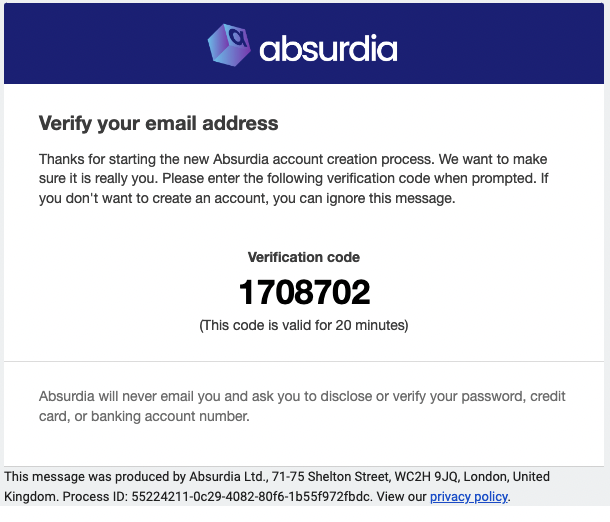
Those numbers are valid for 20 minutes once they generated.
Step 2. Introduce the verification code on the sign up page
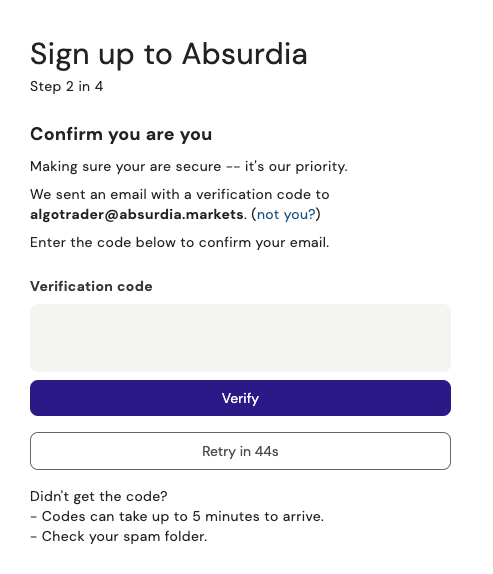
Your account is created! Welcome!
To start using Absurdia's API, create your agent.
Create an agent
Fill the form in the dashboard
Download the credentials file
The document is super useful. Download it using the big purple button in the confirmation page.
Request the HTTP API
curl https://api.absurdia.markets/v1/prices?symbol=BTC.USDT:BIN
    -H "Authorization: <Agent Token just created>"